Japan eSIM Guide: Stay Connected from Tokyo to Kyoto
How much data you'll use in Japan, why maps and translation matter more than you think, and how to be online before you leave Narita or Haneda.

In Japan, mobile data isn't a nice-to-have. It's how you find the right train, read a menu and get to your hotel. Coverage is excellent in cities and along the train lines, and a travel eSIM gets you online as soon as you land at Narita, Haneda or Kansai. Here's how to set it up and how much you'll need.
Why you'll use data more than usual in Japan
- Trains: Japan's rail network is fast but complex. Google Maps' transit directions tell you the platform, the train type and which car to board, and you'll check them constantly.
- Translation: menus, signs and vending machines are often in Japanese only. Google Translate's camera mode is a lifesaver.
- Finding places: addresses in Japan don't follow street names, so you'll navigate by map pin rather than by address.
- Public Wi-Fi is hit and miss. It exists in stations and convenience stores, but it often needs registration and is slow.
How much data do you need in Japan?
| Trip style | Typical daily use | 7-day trip | 14-day trip |
|---|---|---|---|
| Light: maps, translation, messages | 300–500 MB | 3–5 GB | 5–10 GB |
| Typical: plus social media and photo sharing | 500 MB–1 GB | 5–10 GB | 10–20 GB |
| Heavy: video calls, hotspot, remote work | 1–2 GB | 10–20 GB | 20 GB+ |
Trip totals include a buffer of about 20% and are shown in our package sizes (1, 3, 5, 10 and 20 GB). Pick the lower size for lighter use and the higher one if you stream, share lots of photos or use a hotspot.
Rough estimates. If you're unsure, go one size up. Translation camera and maps add up over a long day of sightseeing. Our data planning guide explains how to fine-tune it.
Set up for arrival
Check the activation rule for the package you purchased. Validity may start at installation or at the first connection to a supported network. Follow that package’s instructions; do not assume every plan uses the same trigger. Install when you are ready for the validity period to begin, on reliable Wi-Fi. The day you fly, before boarding or after landing, is a practical choice once you have checked your package’s activation rule.
When you land:
- Turn on Data Roaming for the eSIM. It's required and free.
- Select the eSIM for mobile data.
- Turn off your home SIM to avoid roaming charges.
- Turn Wi-Fi off and open a website to test.
Step-by-step screens are in our iPhone and Android guides.
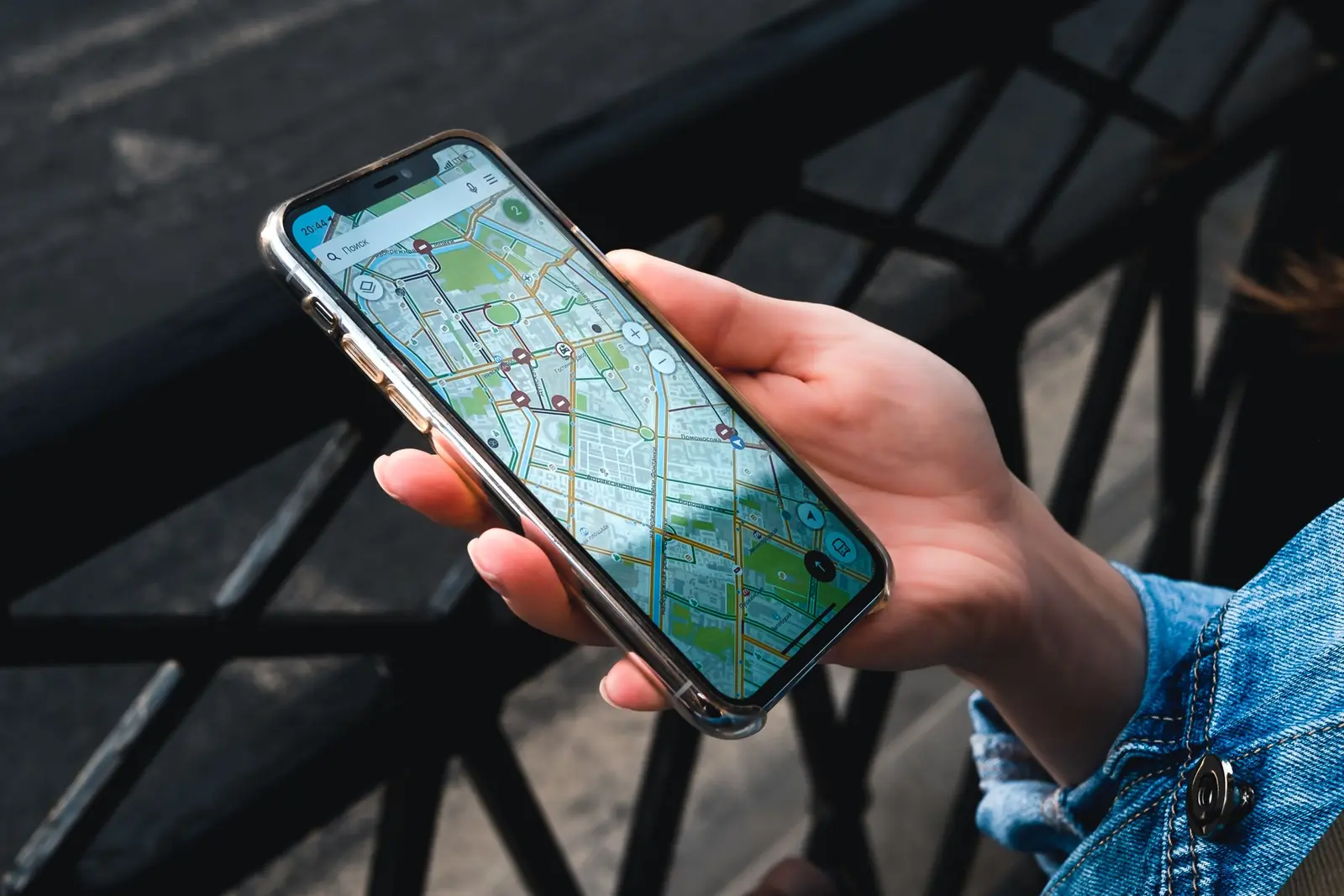
Download these before you go
- Google Maps: download an offline area for each city you'll visit. It helps in subway stations and when the signal is weak. Offline maps don't include live train times, though, so you'll still want data for routes.
- Google Translate: download the Japanese offline language pack. Camera translation then works even without signal.
- Your hotel details: save each hotel's address in Japanese (copy it from your booking) so you can show it to a taxi driver.
- Train tickets or passes: screenshot any QR codes and reservations.
Tips for trains and long journeys
- Shinkansen (bullet trains) have good coverage along most routes, but you'll hit short gaps in tunnels. Load your next directions before you board.
- Plan the day's route in the morning while you're on hotel Wi-Fi, then use data for changes along the way.
- Rural areas and mountains (hiking near Mount Fuji, the Kumano Kodo, the Japanese Alps) can have patchy signal. Download maps offline.
Calls and messages in Japan
VenterraSIM eSIMs are data-only, so you won't get a Japanese phone number. That's rarely a problem. WhatsApp and LINE work over the eSIM, and LINE is Japan's most popular messaging app, used by many hotels and restaurants. See how to use WhatsApp abroad on your usual number.
Before you fly: checklist
- Japan eSIM bought, and the QR code or install link ready
- Plan to install it on the day you fly
- Offline Google Maps and the Japanese Translate pack downloaded
- Hotel addresses saved in Japanese
- Home SIM's data roaming off
Ready for Japan? Choose your Japan eSIM.