When Should You Install Your Travel eSIM?
The short answer: on the day you fly. Here's why timing matters, the two best moments to install, and what to do on a stopover.

Install when you are ready for the validity period to begin, on reliable Wi-Fi. The day you fly, before boarding or after landing, is a practical choice once you have checked your package’s activation rule.
Why the timing matters
Check the activation rule for the package you purchased. Validity may start at installation or at the first connection to a supported network. Follow that package’s instructions; do not assume every plan uses the same trigger.
If your package starts at installation, a 7-day plan installed on Monday for a Thursday flight has already used three days before arrival. A plan that starts at the first supported network connection follows a different clock.
Option 1: At home or at the airport, before boarding (recommended)
Install the eSIM on the day of the flight while you're on reliable Wi-Fi, at home before you leave or at the airport before boarding.
Why this is best:
- You install on a stable connection, with time to read each screen.
- If anything goes wrong, you can contact support before you fly.
- You land with everything ready: just turn on the line and go.
After installing, leave the eSIM line turned off until you land, and keep using your home SIM as normal.
Option 2: Right after landing
Connect to the airport Wi-Fi when you arrive and install the eSIM there.
Good for: last-minute plans, or avoiding travel-day validity loss on a package that starts at installation. The catch: airport Wi-Fi can be slow or need registration, and you're starting without a working connection. Have the QR code or install link saved on your phone (a screenshot of the email works for the manual codes).
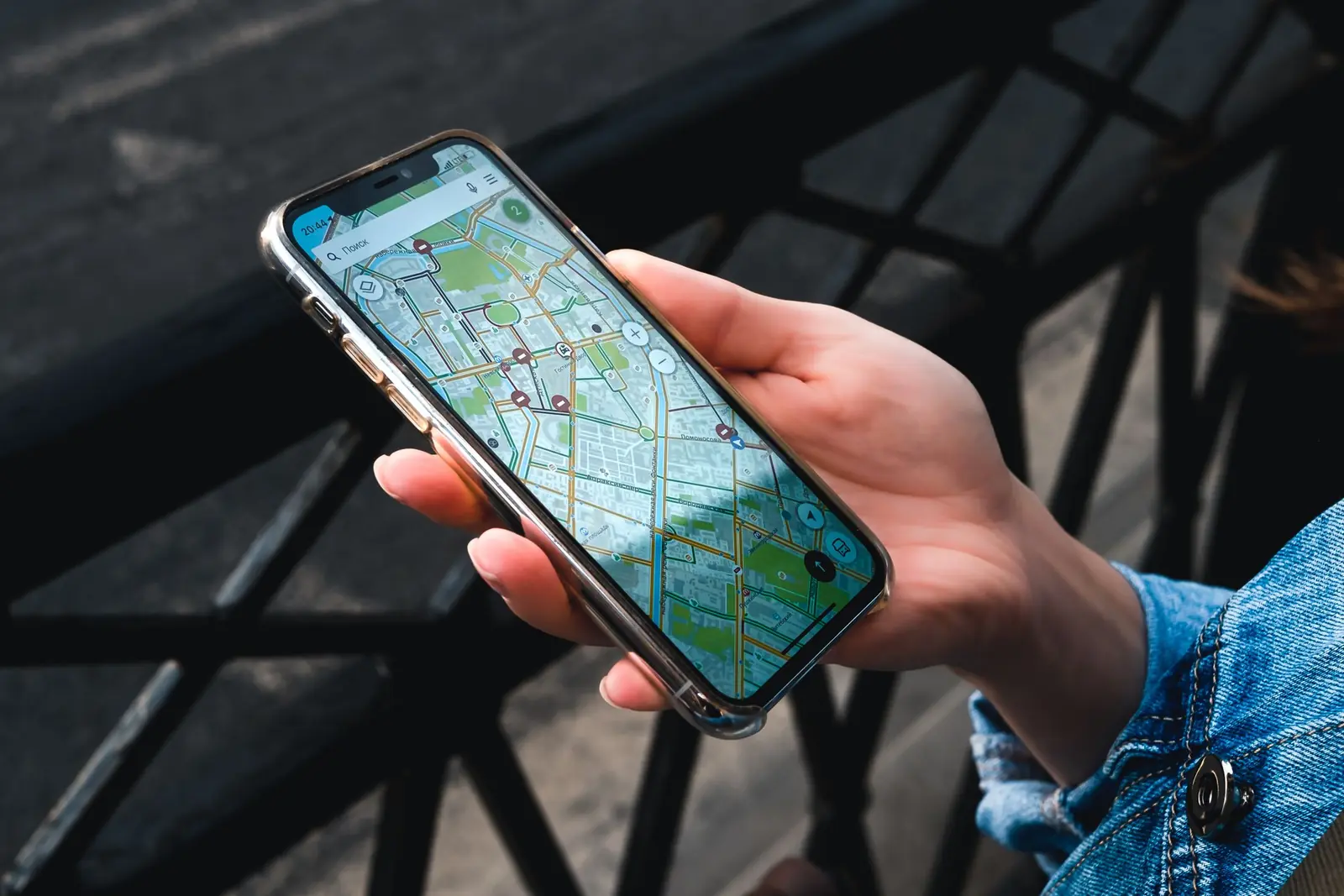
When you land: switch it on
- Turn on the travel eSIM line.
- Turn on Data Roaming for the eSIM. It's required, and free.
- Select the eSIM for mobile data.
- Turn off your home SIM, or at least its data roaming, to avoid charges.
- Turn Wi-Fi off and open a website to check it works.
Full screen-by-screen steps are in our iPhone and Android guides.
Connecting flights and stopovers
- Stopover in a country your package doesn't cover? The eSIM won't connect there. Use the airport Wi-Fi, and keep your home SIM's data roaming off.
- Stopover in a covered country? You can switch the eSIM on during the layover.
- Multi-country trip? Consider a regional package that covers every country on your route.
Common questions
Can I install it now and use it later? Only install early after checking your purchased package’s activation rule and confirming its validity will cover the whole trip. Turning a line off does not pause a validity period that has already started.
What if I already installed it too early? Leave it installed. Don't delete it, because it usually can't be reinstalled. Check your remaining validity in My eSIMs, and if a top-up is available for your eSIM, you can extend it there.
Do I need internet to install? Yes, Wi-Fi or mobile data, since the eSIM downloads over the internet. That's why installing before you leave home is easiest.
Problems after landing? Work through our troubleshooting steps. Support is also available 24/7 in the chat.